Artist's game dev journey
Rene / Raptor
- Weird artist
- Chronically ill != school compatible
- Formal education != accessible
- You can teach yourself
Jam Journey
Infinite Sorrow
Jam #1 – Artist
The Incubator
Game #1 – Solo dev
Wild Thyme
Game #2 – Solo dev
Kakakop
(Homemade) Jam #2 – Artist
Trips
(SFA) Jam #3 – Art / Design / Dev
Live, Laugh, Lift
Jam #4 – Art
Kelp Helper
(Girly) Jam #5 – Lead Dev
FROGS
(kinda) Game #3 – Solo Dev
Arachnoise
Jam #6 – Art / Dev
Rapid Iteration ♡
- Join meetups
- Get jamming
Cool things I've learnt
Use resources
- Great plugins and scripts available
- It's not cheating – they're tools
- Until you can write your own, you can learn from others
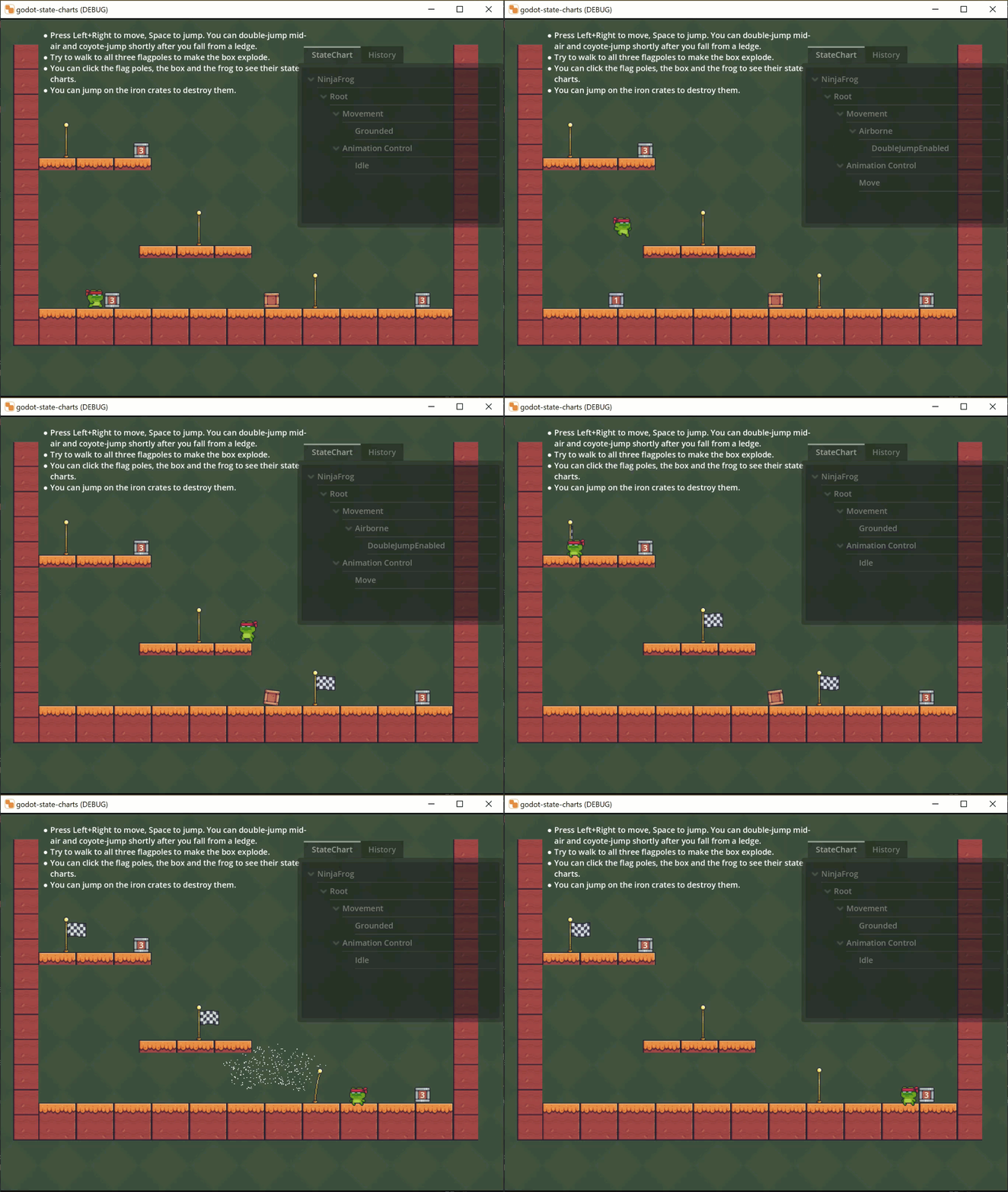
State Machines
plugin - Godot State Charts
- Managing NPCs & effects without one = spaghetti
- Rudimentary: signal connections in a script
-
Sophisticated: State Charts plugin, nice UI
Behaviour Trees
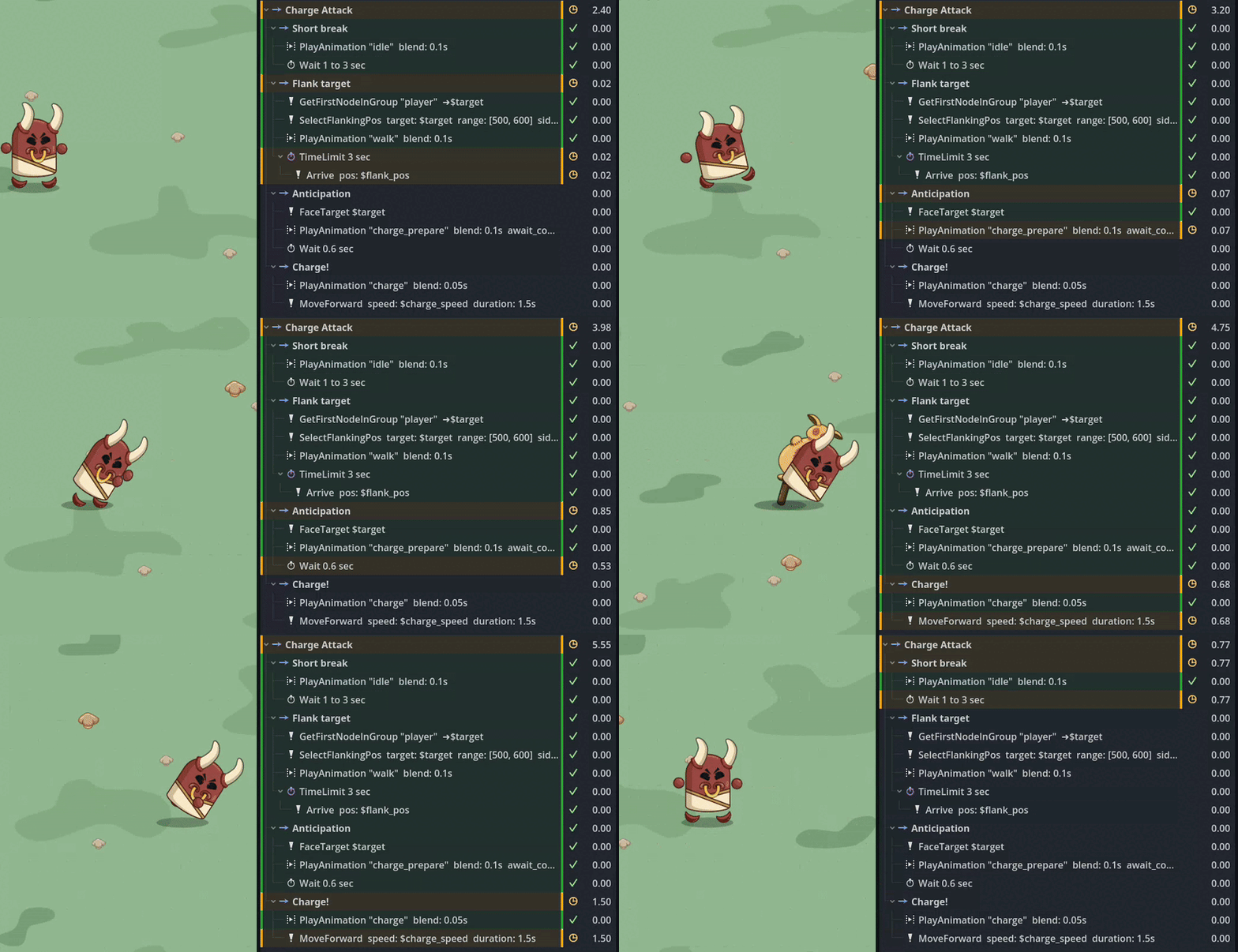
plugin – LimboAI
- Forces modular, separated code
- Reusable scripts (e.g. find_navigable_position)
-
Visual debugger!!!
Auto Tiling Maps
built in
- You will spend more time on maps than you think
- Set it up properly – even in a jam
- Then you can just draw your levels
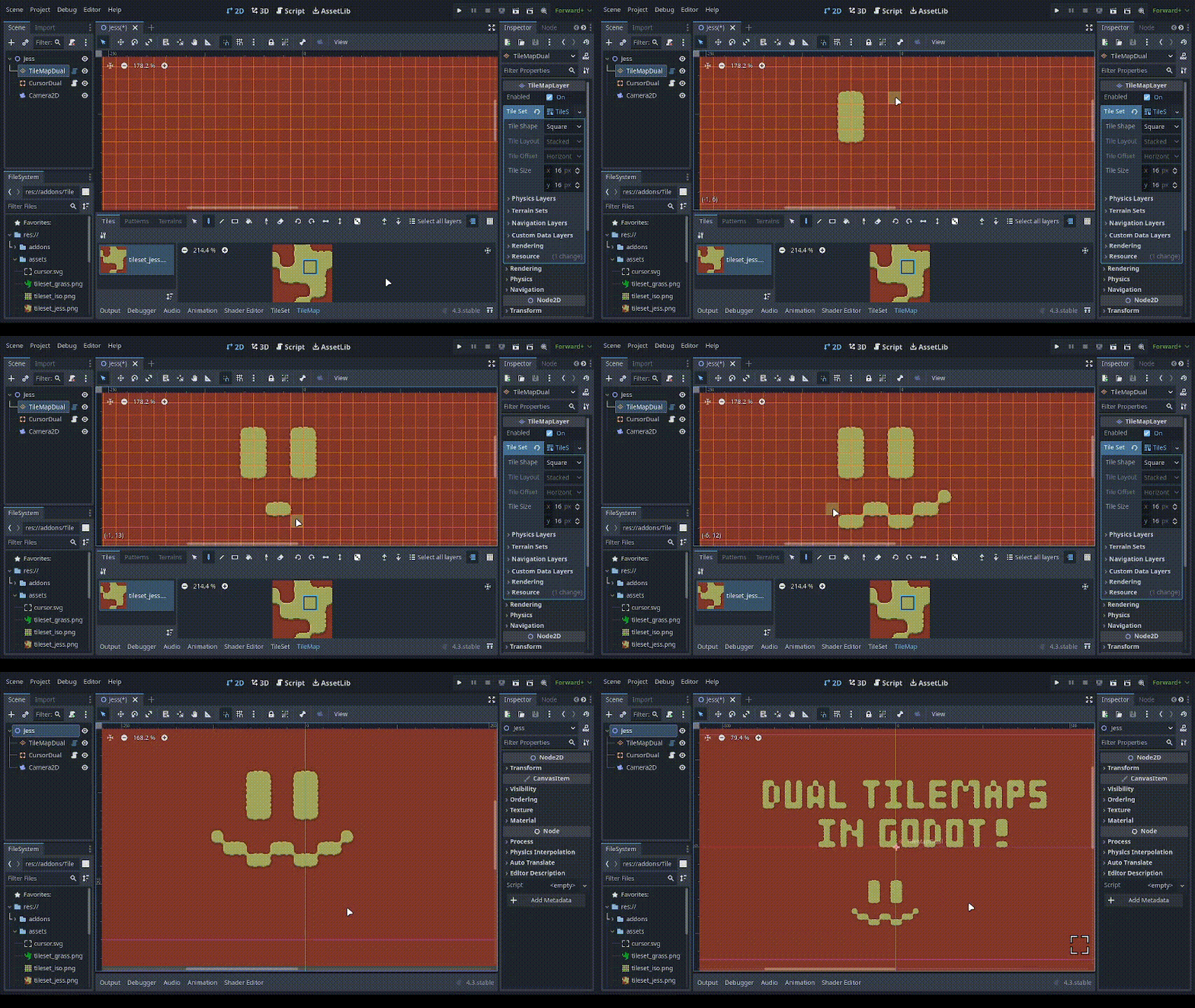
Dual Grid System
plugin: TileMapDual
- Artists at jams
- Standard 3x3 bitmask: up to 47 tiles
- Dual-grid: only 15 tiles
Scalable Vector Shapes 2D
plugin
- Vectors inside Godot
- Scale and animate easily
- Feels like Moho or Rive
Tips and stuff
Git Good
- Version control == essential
- Even for solo devs
- and artists
Get used to code
- Write your code to be read
- Don't be afraid of the wall of text
- Build it incrementally
- You can do it!
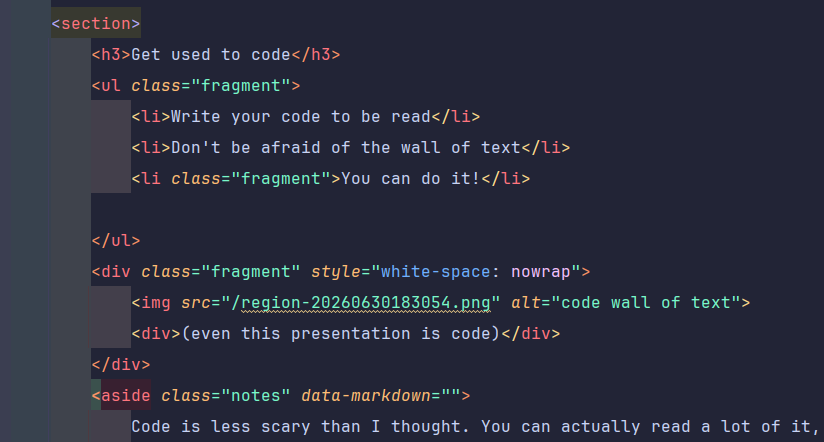
(even this presentation is code)
Explore Godot!
- Great internal docs
- Discord community
- Tutorials
- GDQuest game
Strongly type things
- Tell your function what to expect
- Makes auto complete work
- Reduces bugs
Quantity over quality
- 10 illustration > 1 great illustration
- 20 variations randomized is interesting
- Teaches you what "modular" means for your engine
Thanks for the skillshare ♡
- Maker's Massive
- All the jammers
- Go to meetups, go to jams, get involved, and make something!
Try Godot ♡
- Free
- Open source
- Even if not game dev, maybe game dev?